Unity tutorial 05
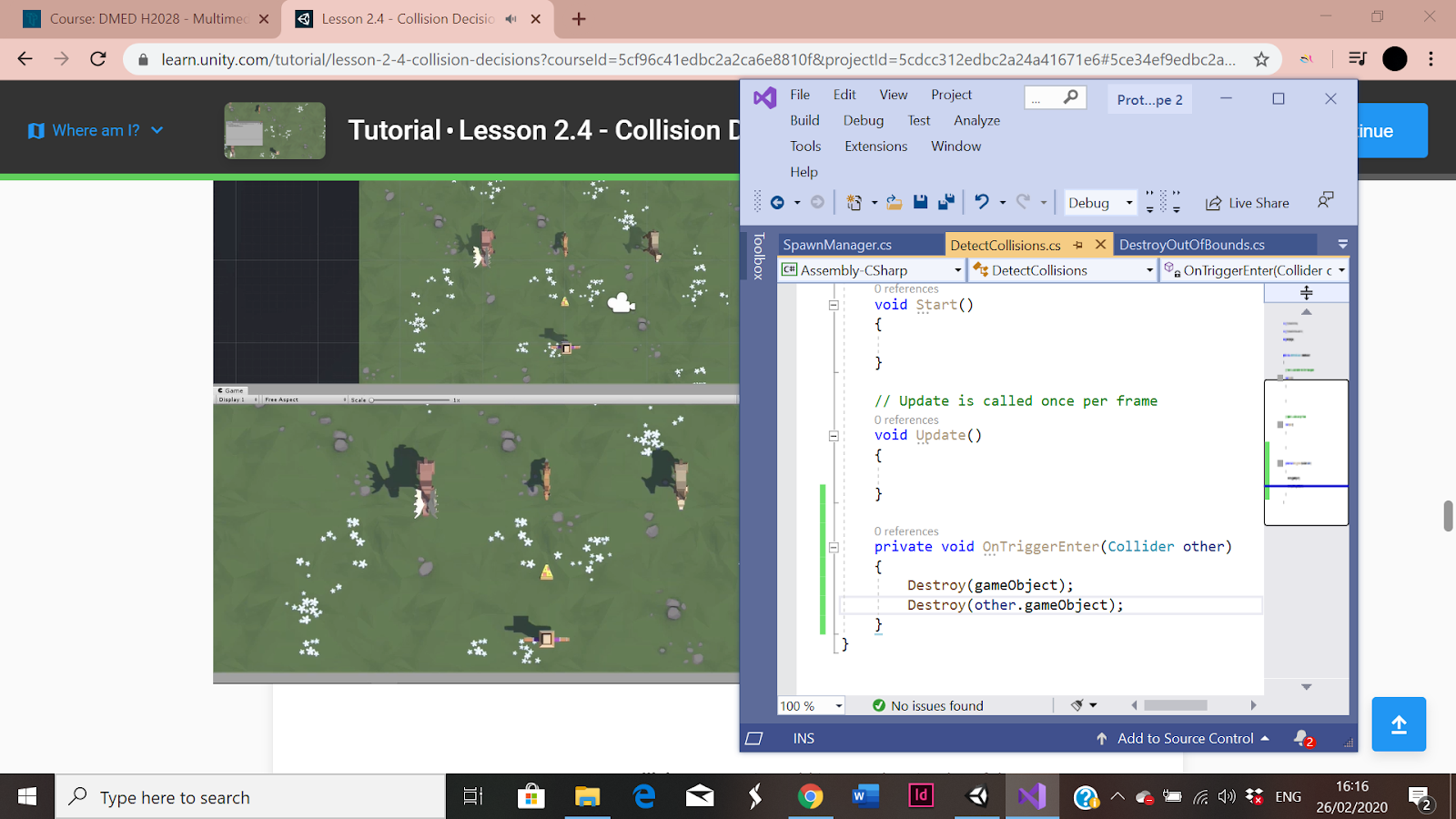
I really enjoyed doing these tutorials for the first tutorial i had to make the animals eat the food by using c # script and box colliders I found this tutorial very helpful and entertaining I did have a bit of trouble with the script but eventually figured it out I really enjoy these tutorials a lot more this semester than I did last semester. For the challenge 2 I found it a bit difficult but got the majority of it done I like the way it challenges me to hard code without looking at other coding even though I do find it difficult at least I am learning a lot more c # script than I did last semester. I do feel like my coding is improving a lot but I am finding the challenges a lot harder than the unity tutorials as I am still not the best at c # coding. For the first tutorial I really liked learning how to get the animal to eat the pizza I have great fun playing the games when I am finished with the tutorials. Anyway so far I feel like the tutorials are really helpful overall and that my coding is getting a lot better overtime and hopefully I will get better at the challenges.
I really enjoyed doing these tutorials for the first tutorial i had to make the animals eat the food by using c # script and box colliders I found this tutorial very helpful and entertaining I did have a bit of trouble with the script but eventually figured it out I really enjoy these tutorials a lot more this semester than I did last semester. For the challenge 2 I found it a bit difficult but got the majority of it done I like the way it challenges me to hard code without looking at other coding even though I do find it difficult at least I am learning a lot more c # script than I did last semester. I do feel like my coding is improving a lot but I am finding the challenges a lot harder than the unity tutorials as I am still not the best at c # coding. For the first tutorial I really liked learning how to get the animal to eat the pizza I have great fun playing the games when I am finished with the tutorials. Anyway so far I feel like the tutorials are really helpful overall and that my coding is getting a lot better overtime and hopefully I will get better at the challenges.
 |
| Challenge 2 |
 |
| Unity tutorial |
 |
unity tutorials  |
Comments
Post a Comment